Popular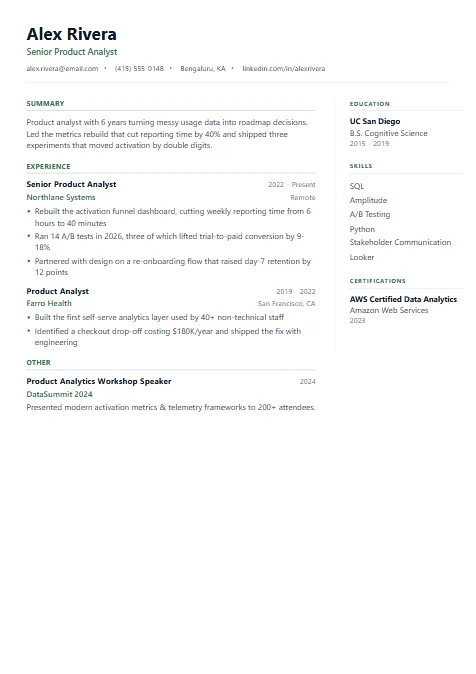
Best for · Mid-level professionals
Professional Mid
Wide experience column with a slim right rail for education, skills and certifications.
- Two columns
- 1 page
We'd like to use Google Analytics cookies to understand how Resumebix is used and improve it. They're off unless you accept. Essential storage that keeps you signed in and saves your resume always works. Cookie Policy
Choose from professionally designed, ATS-friendly templates. Every layout is engineered to parse cleanly through applicant tracking systems while still looking great to human readers.
ProFresher or IT role? See the Pro templates — free during early accessBest for · Mid-level professionals
Wide experience column with a slim right rail for education, skills and certifications.
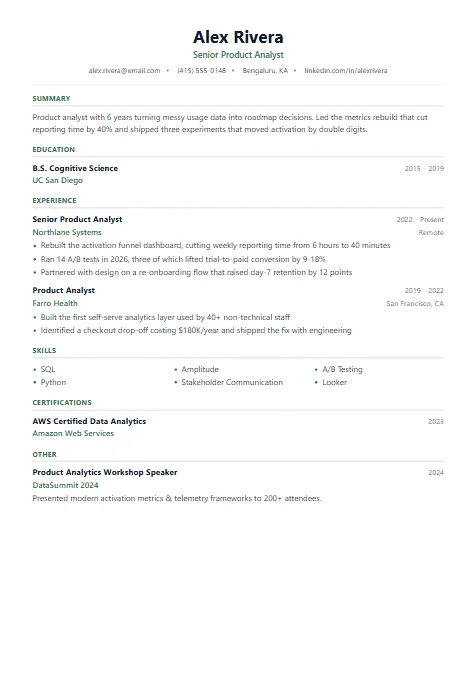
Best for · Freshers & graduates
Centered header and an education-first order, so degrees and projects lead when work history is short.
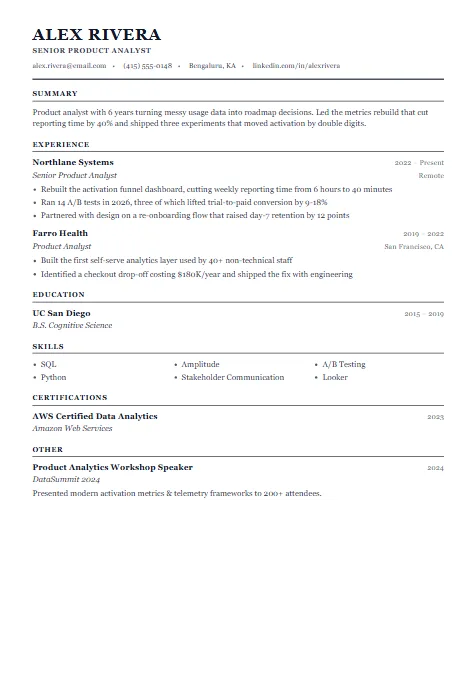
Best for · Senior leaders
Formal, Harvard-style single column with ruled headings and room for two pages of leadership history.
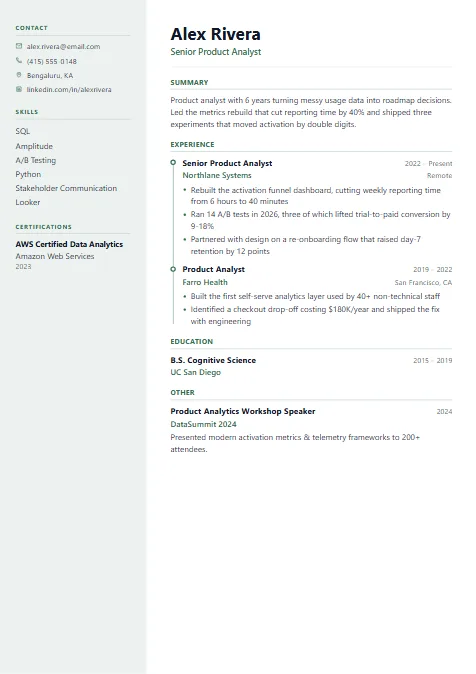
Best for · Showing career growth
Light sidebar for contact and skills beside a dotted timeline that makes career progression easy to follow.
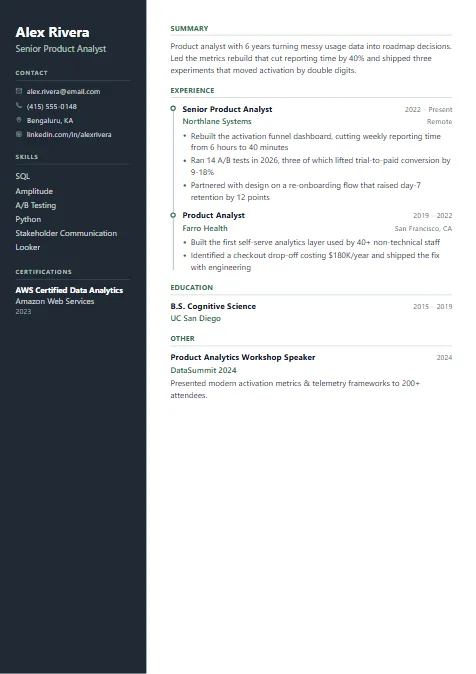
Best for · Tech & product roles
Bold dark sidebar paired with a vertical timeline — confident, yet the text stays crisp and readable.
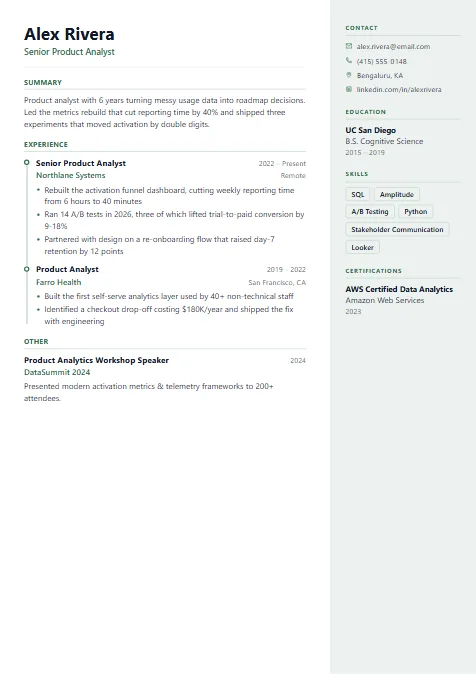
Best for · Executives
Timeline-led main column with a right sidebar for education and skills, built for two-page histories.
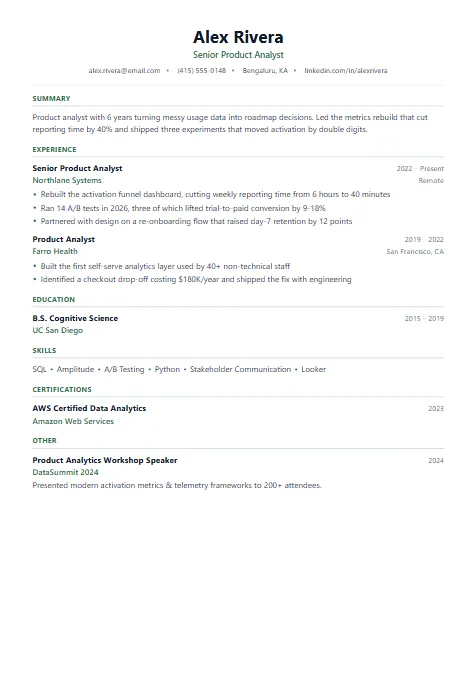
Best for · Software engineers
Centered header and clean, generous sections for projects, tech stack and measurable impact.
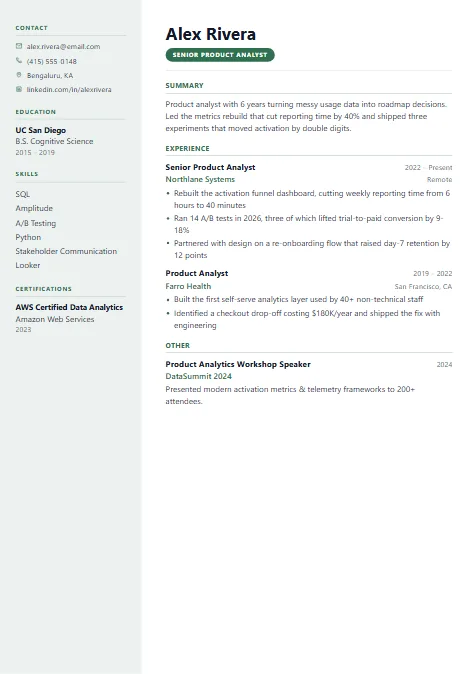
Best for · Marketing & brand roles
Accent title badge with a left column for education and skills — polished and brand-aware.
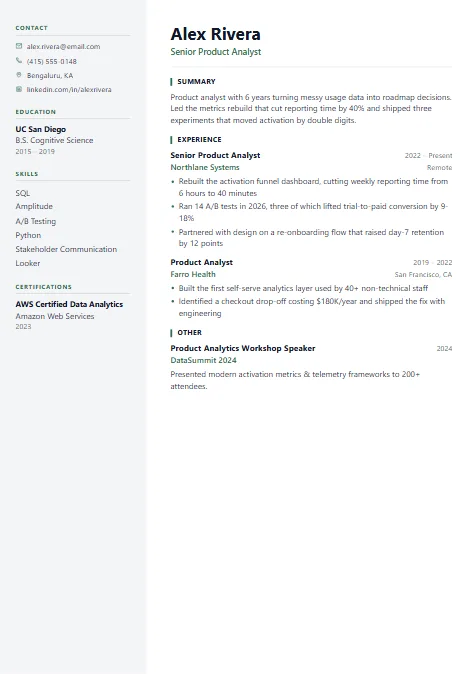
Best for · Consultants
Shaded left panel for contact, education and skills, leaving a wide column for client impact.
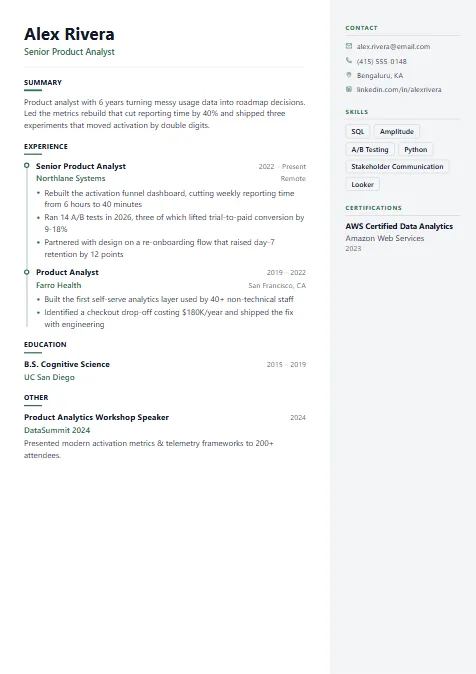
Best for · Technical specialists
Skill-matrix sidebar next to a timeline of roles, showing depth across tools at a glance.
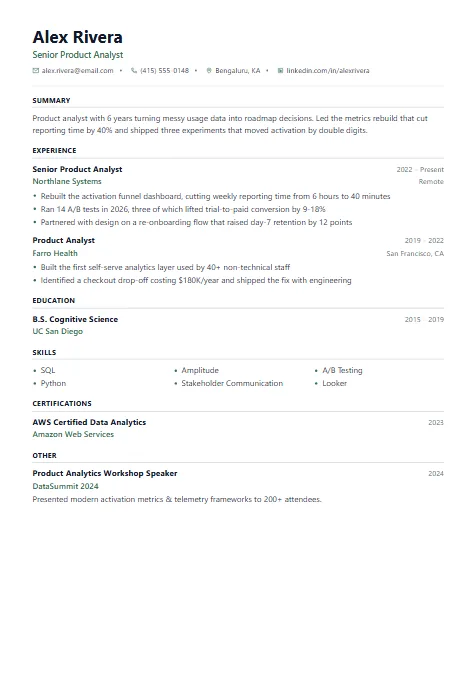
Best for · Regions where photos are expected
Single column with a header designed around an optional profile photo.
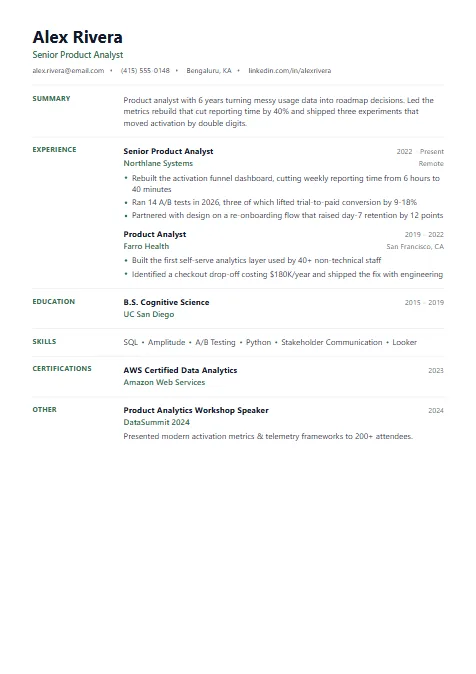
Best for · Any industry
Classic reverse-chronological layout with section labels in the left margin — the format recruiters scan fastest.
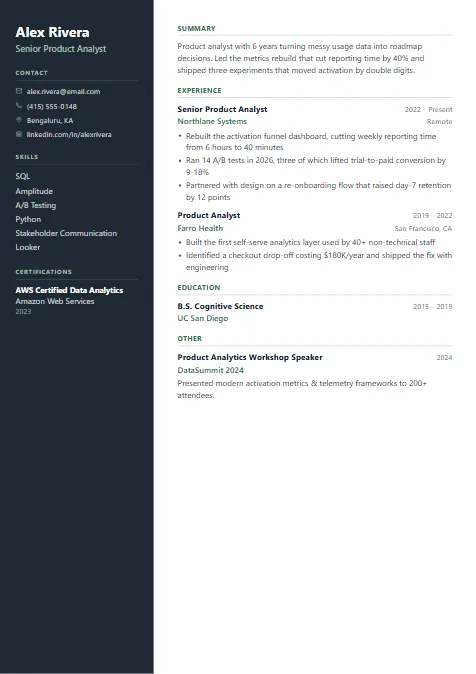
Best for · Tech & creative roles
Dark sidebar for contact and skills with a clean white main column — high contrast without clutter.
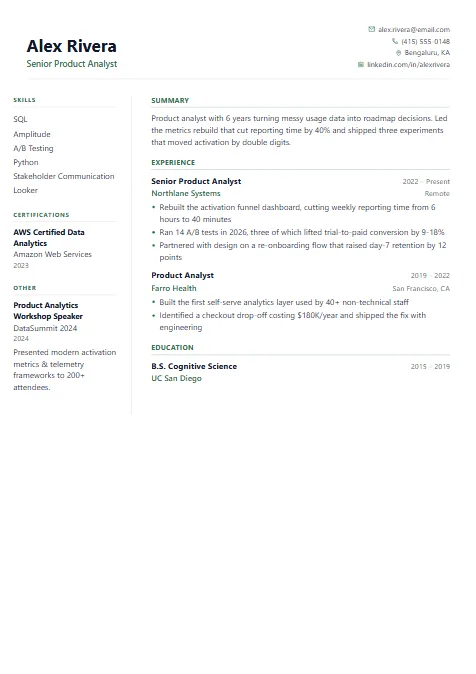
Best for · Analysts
Skills and certifications on the left, experience on the right, contact details tucked top-right.
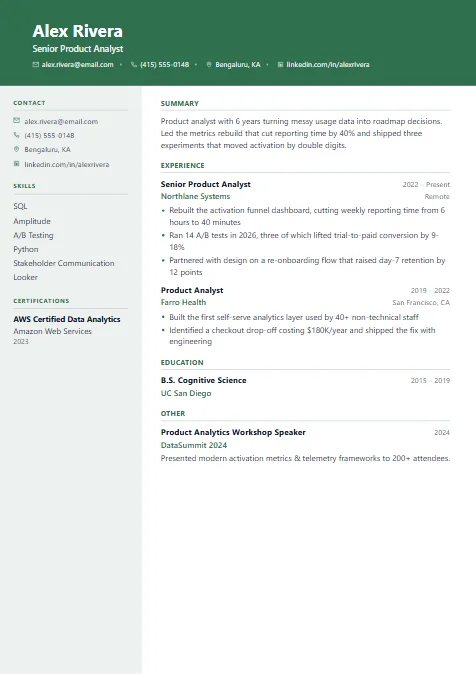
Best for · Client-facing roles
Full-width colored header band over a two-column body — memorable at first glance.
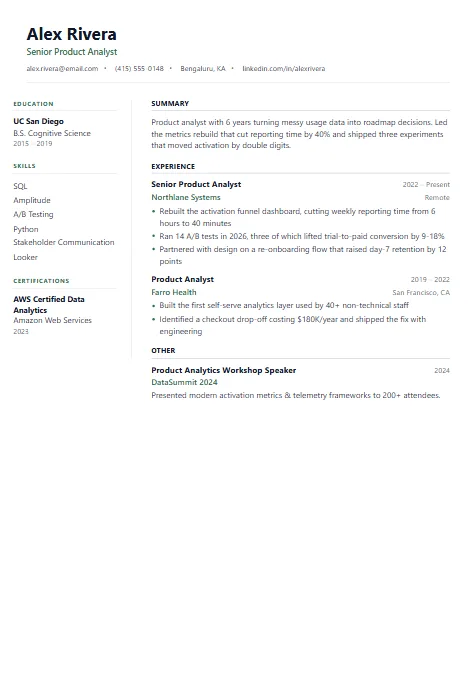
Best for · Web developers
Compact left column for education and skills beside a wide experience column.
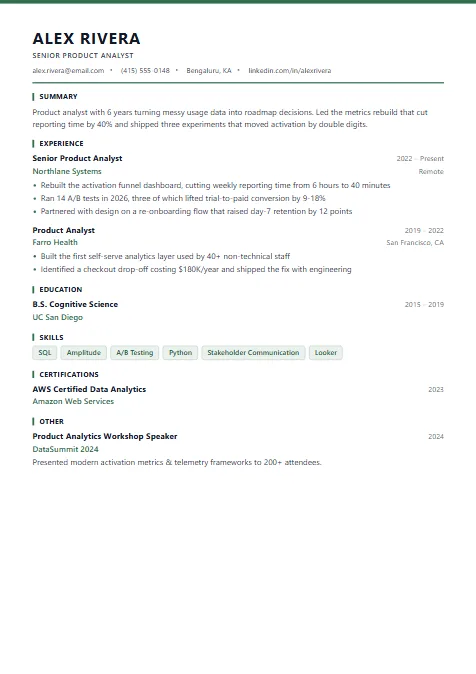
Best for · Salesforce & CRM roles
Uppercase name, accent top rule and skill tags — a crisp format for CRM and platform roles.
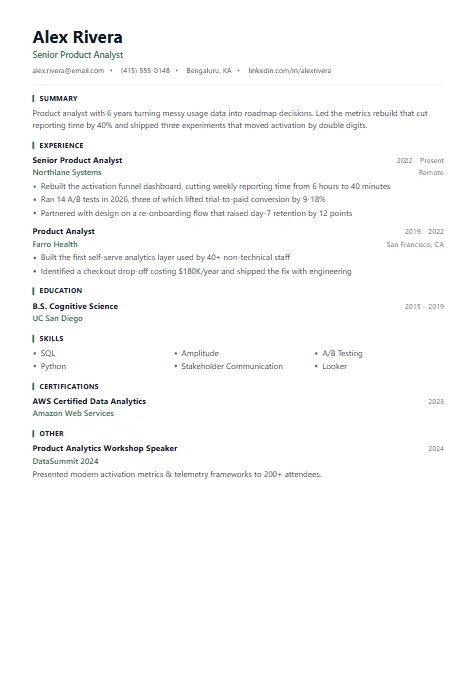
Best for · Early-career profiles
Minimal single column with bold section bars and skills laid out in neat columns.
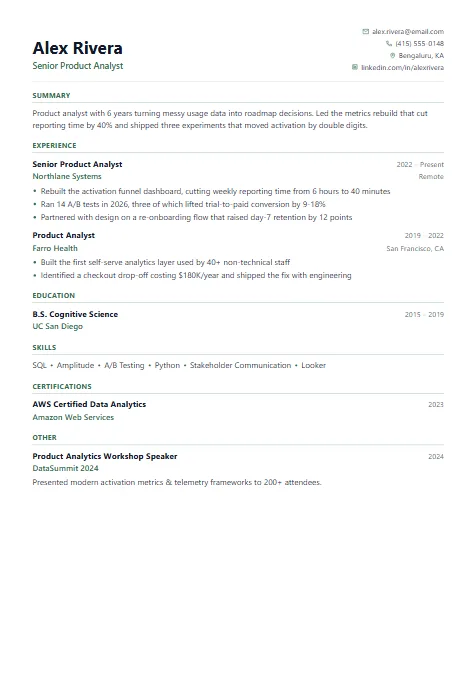
Best for · HR & operations
Straightforward single column with contact details aligned right.
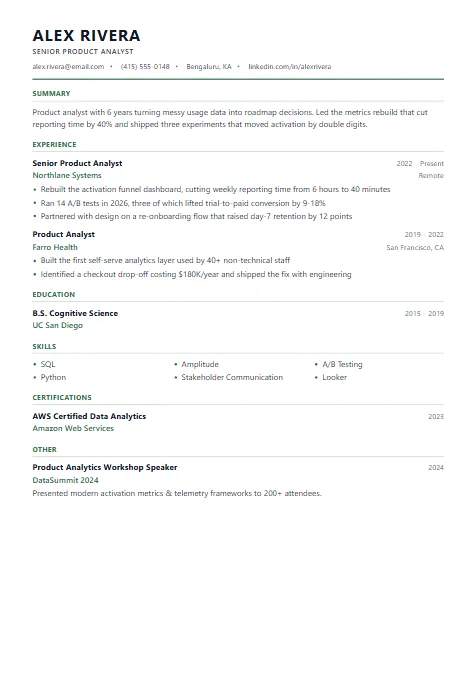
Best for · Office & admin roles
Restrained layout with an uppercase name and fine rules — quietly professional.
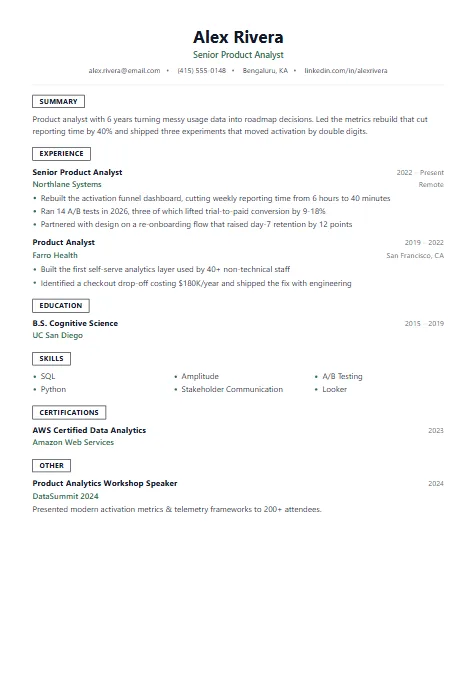
Best for · Generalists
Boxed section labels give clear structure while staying single-column and ATS-friendly.
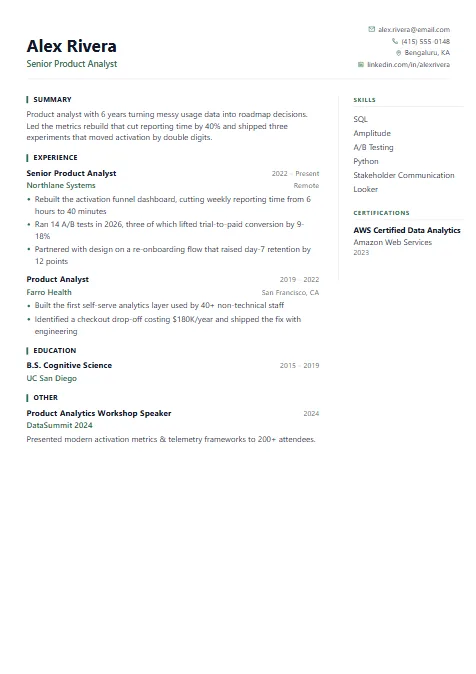
Best for · Detailed CVs
Sectioned two-page layout with a right column for skills and extras.
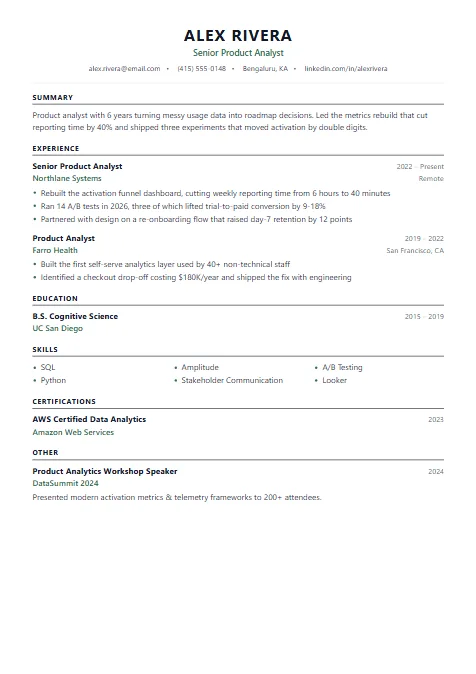
Best for · Corporate applications
Centered name with tailored section labels — a refined single column with a European CV feel.
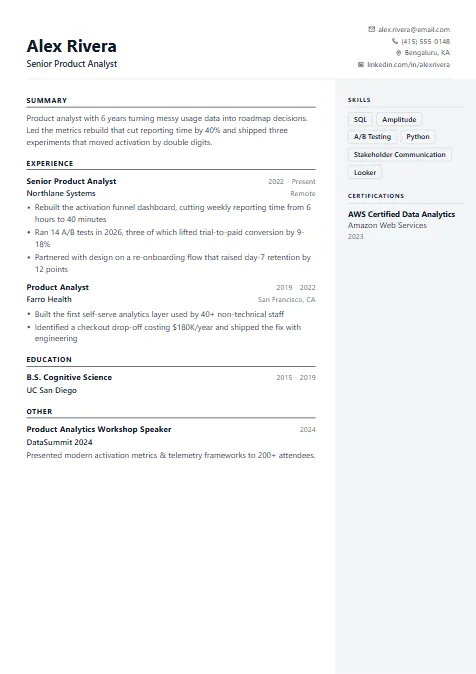
Best for · Design-minded roles
Monochrome infographic style with a grey side panel — visual but still print-friendly.
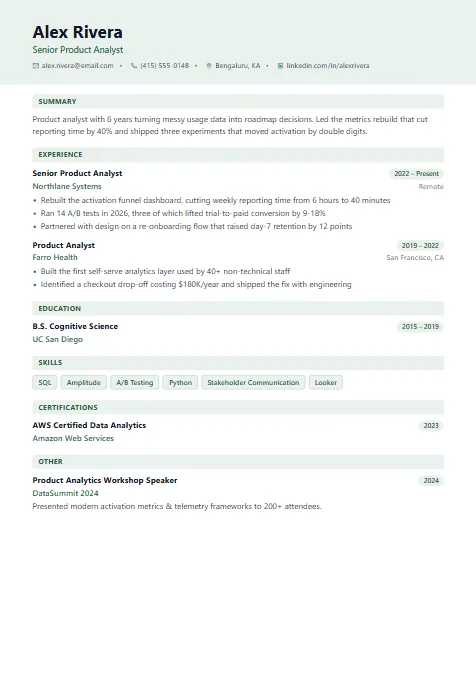
Best for · Early-career profiles
Tinted header and pill-shaped dates add colour without losing structure.
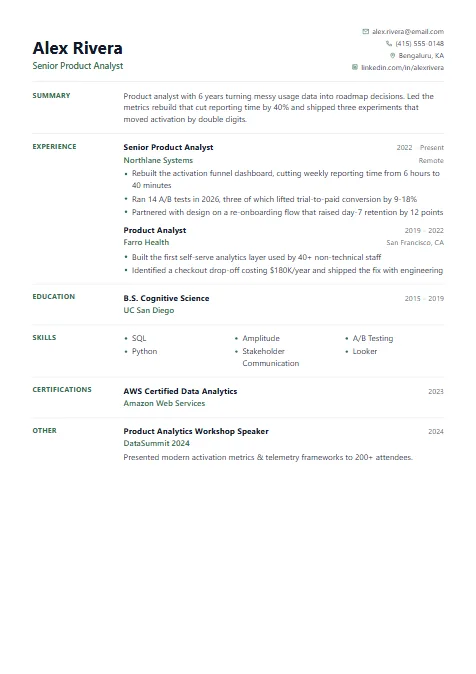
Best for · Data analysts
Left-aligned section labels and tidy columns for tools, metrics and results.
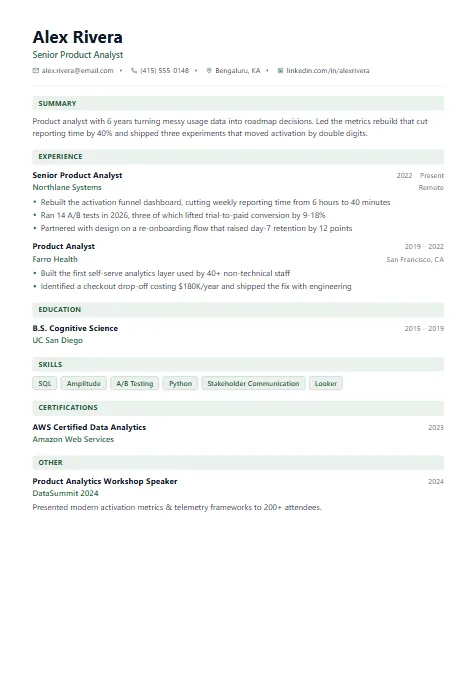
Best for · Customer-facing roles
Shaded section bars and an optional photo header for a modern, friendly look.
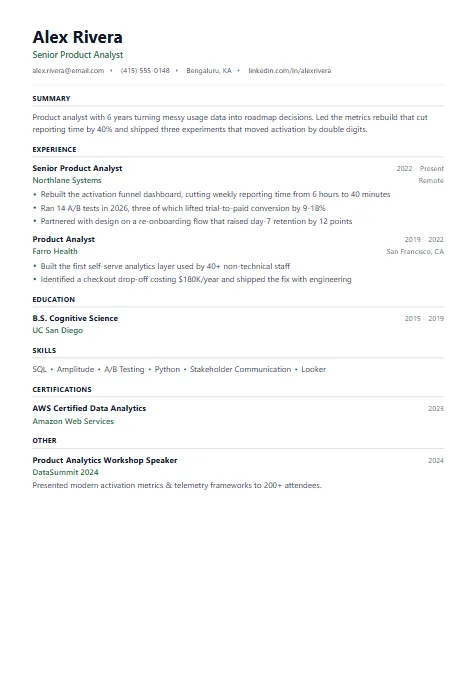
Best for · Online job portals
The cleanest single column — every section in plain order, the safest pick for strict ATS portals.
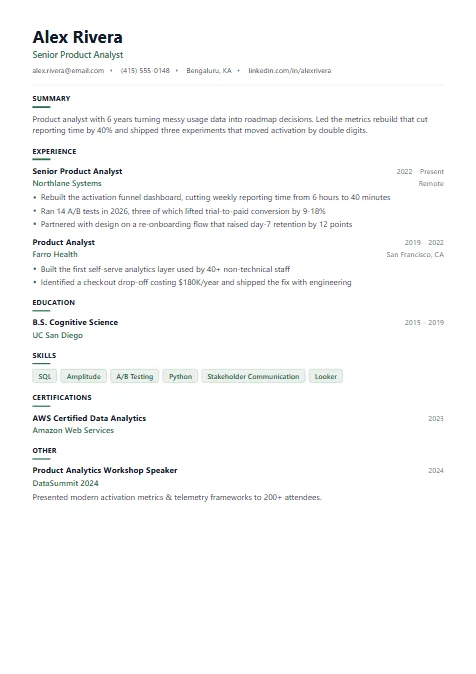
Best for · Assistant & support roles
Compact single column with skill chips — tidy and easy to skim.
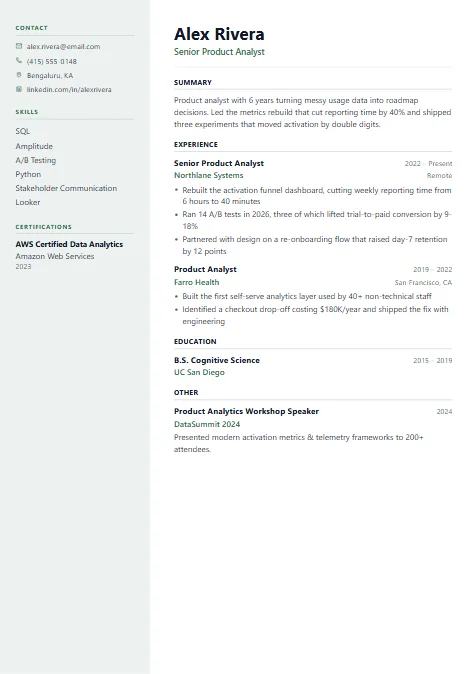
Best for · Balanced two-column read
Grey left sidebar for contact details and skills, with an optional photo.
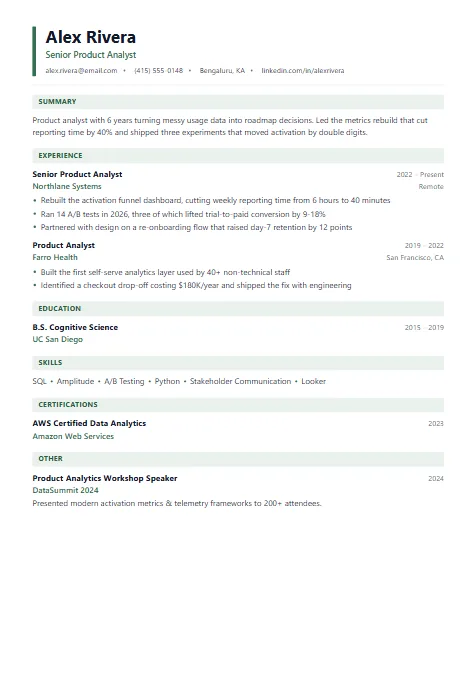
Best for · Early-career profiles
Accent bar beside your name and tinted section headings — subtle personality in one column.
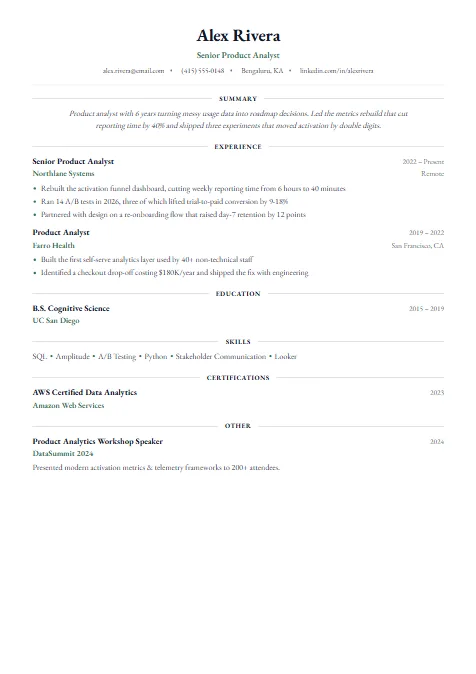
Best for · Traditional industries
Centered crest-style header with ruled headings for a formal, traditional feel.
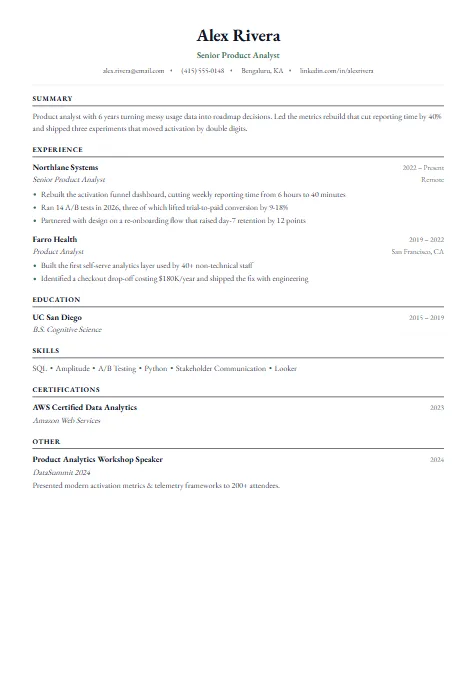
Best for · Law, finance & academia
Serif, centered, academic-style format with room for two pages.
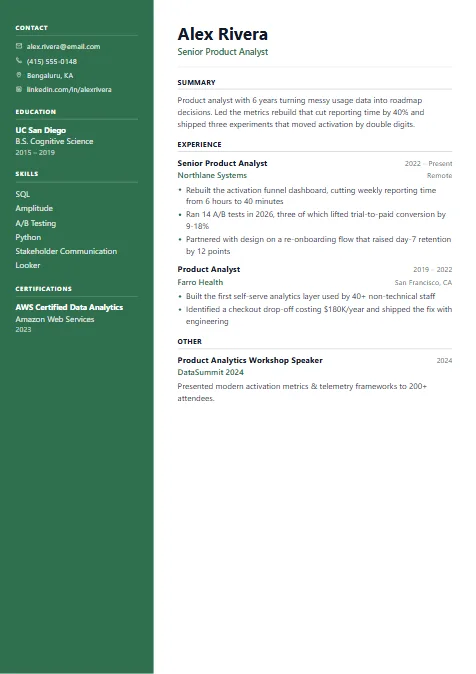
Best for · Leaders & managers
Full-height accent sidebar with an optional photo — a confident two-page format.
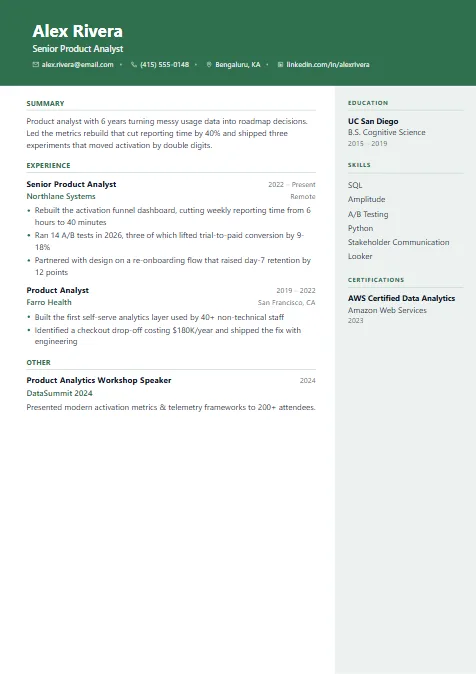
Best for · Sales roles
Colored banner header over two columns — eye-catching yet organised.
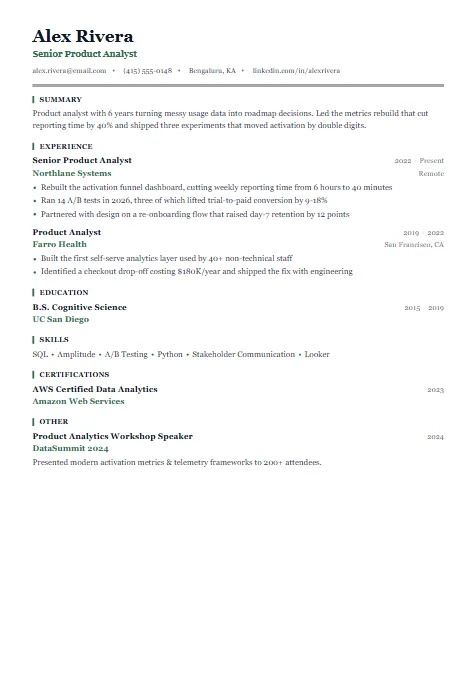
Best for · Operations & project roles
Emblem-style headings with an accent marker beside each section.
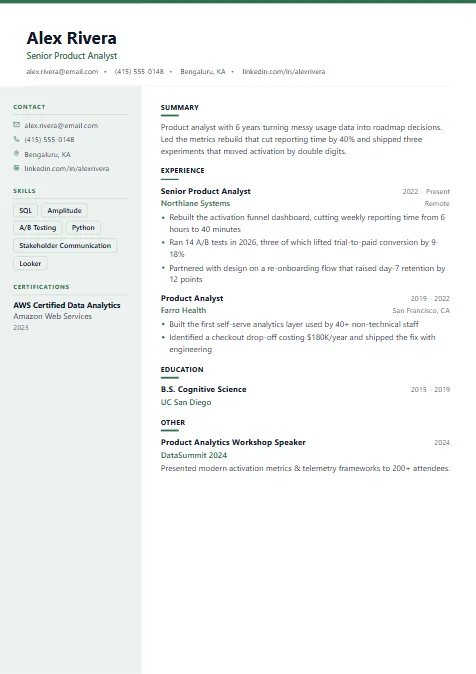
Best for · Startups
Card-style header and a skills column — energetic but orderly.
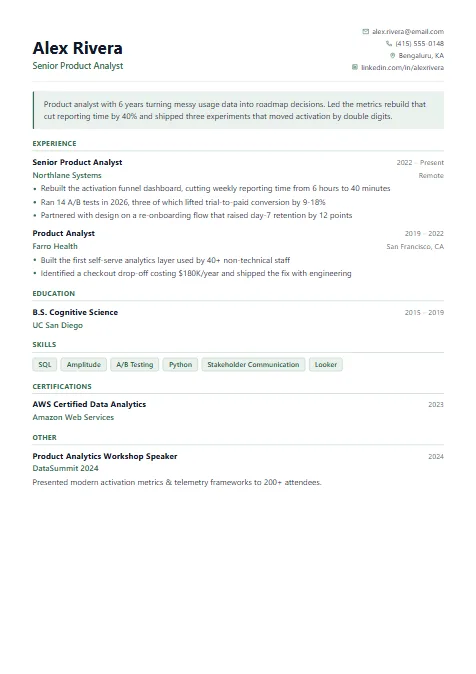
Best for · Career changers
Highlights your summary in a tinted banner so your pitch is read first.
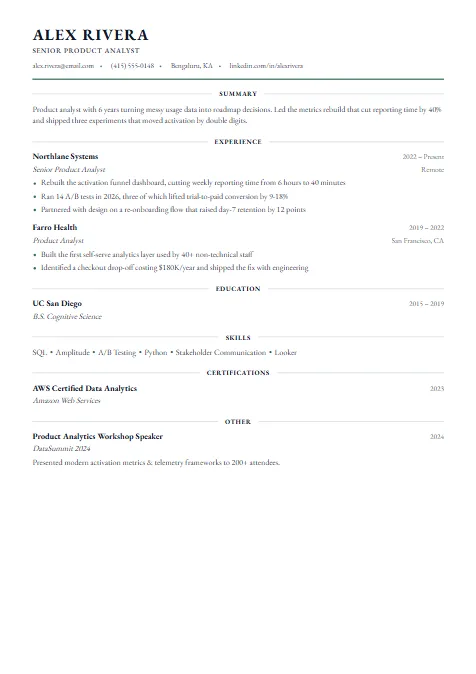
Best for · Senior & formal roles
Fine serif type with centered line headings — understated and refined.
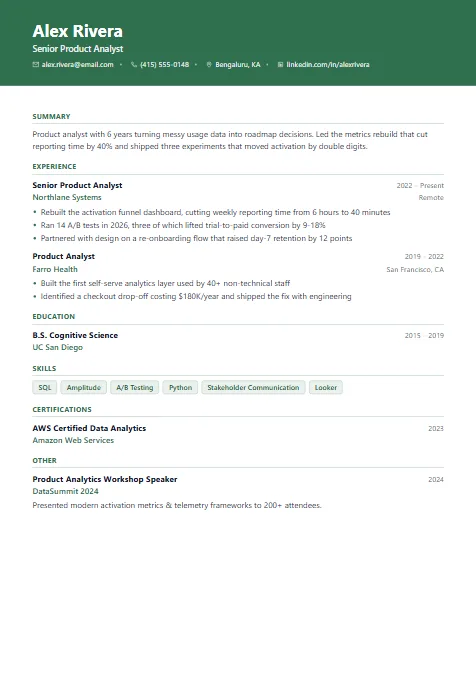
Best for · Creative roles
Full-width colored banner with clean sections underneath.
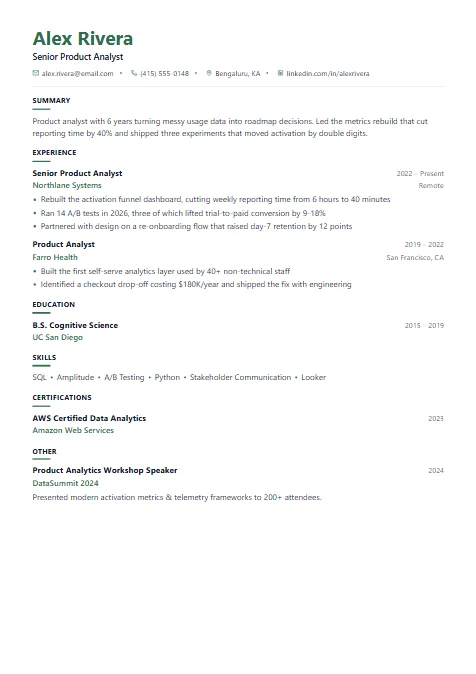
Best for · Creative professionals
Accent-colored name and an icon-led contact line — clean with a creative edge.
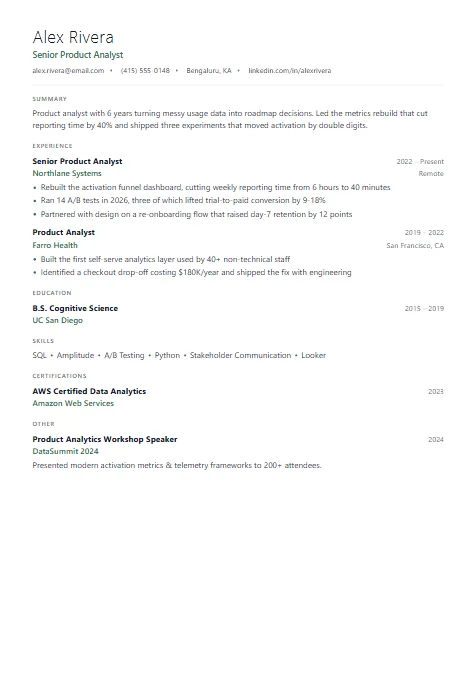
Best for · Tech & product roles
Airy typography and generous whitespace for a calm, modern read.
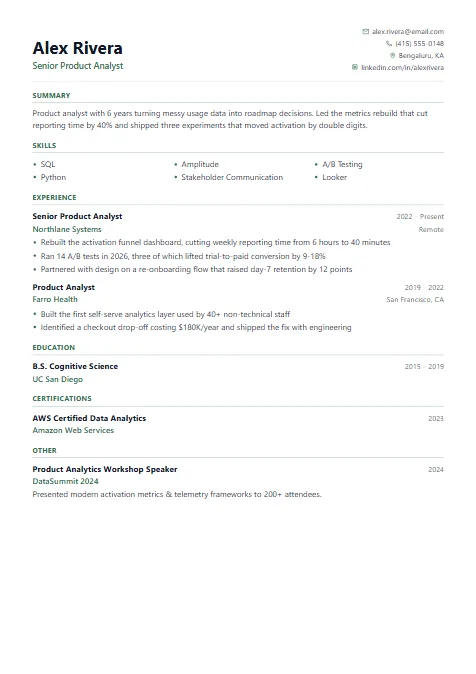
Best for · Career changers
Skills before experience — useful when changing careers or explaining gaps.
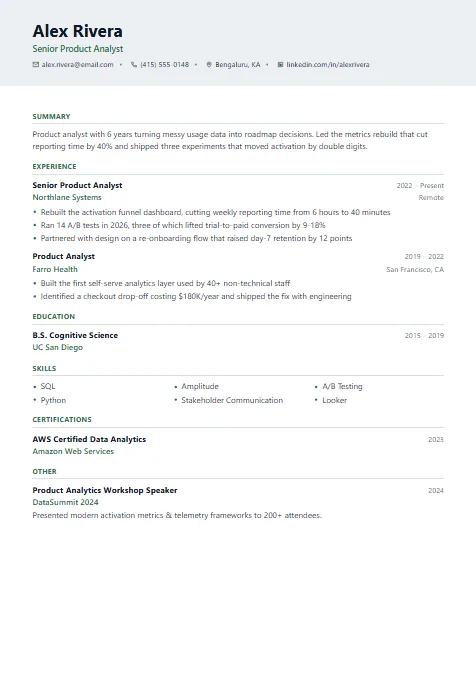
Best for · Mid-level professionals
Soft grey header band that separates your details from the content.
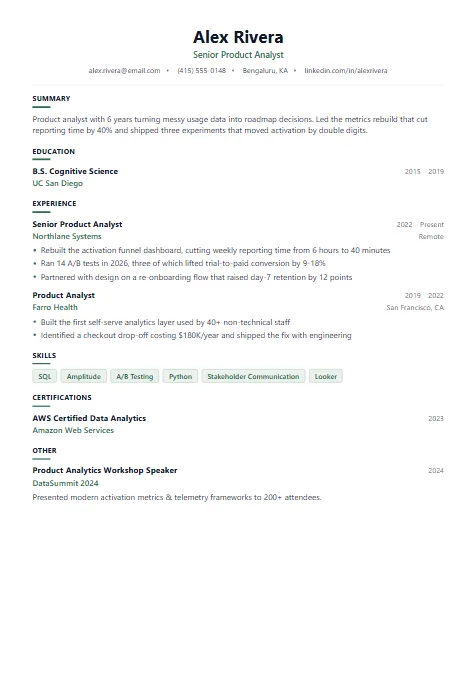
Best for · Students & interns
Centered header and an education-first order for a first resume.
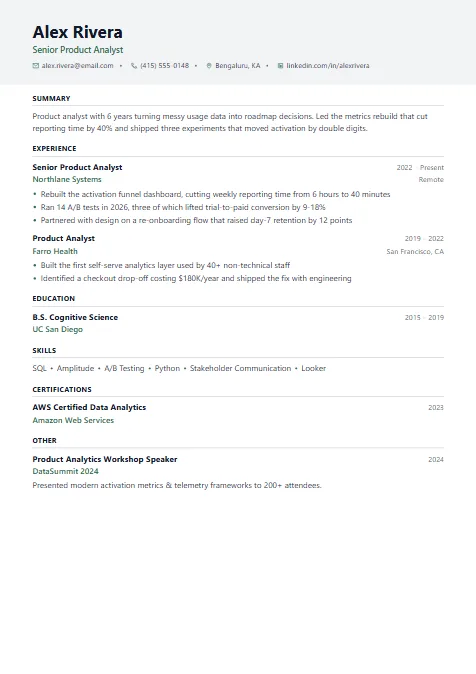
Best for · Business roles
Light grey heading bars segment each section cleanly.
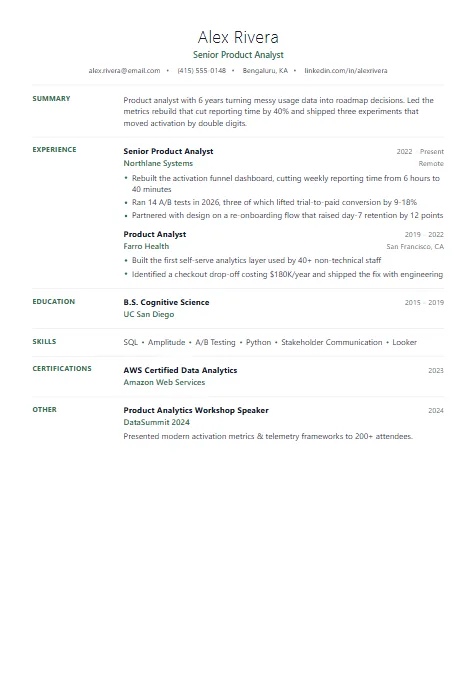
Best for · Academic & research roles
Light name weight, section labels in a left margin and plenty of whitespace.
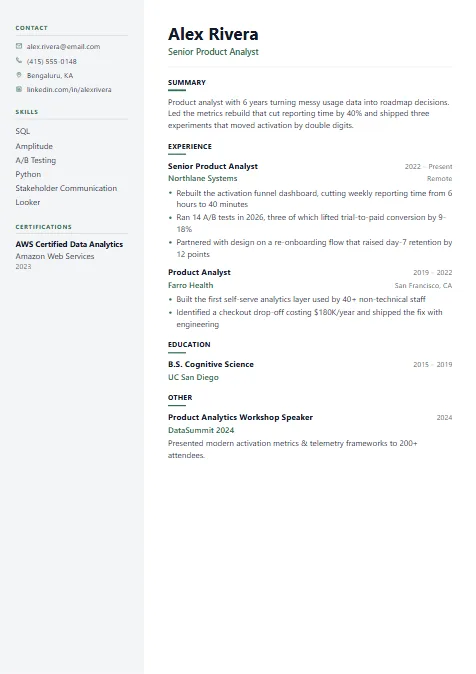
Best for · Mid-level professionals
Pale sidebar for contact and skills with a wide main column for experience.
Sample resumes, the right format and expert tips for every career stage.
57 ATS-friendly templates, each pre-filled with a realistic sample resume and the keywords recruiters search for.
Answer 4 quick questions and we'll recommend the best template based on your experience level, target industry, preferred style, and how you plan to apply.